
Redefine your listings
with Peach AI
Upload a listing photo. AI stages, relights or declutters it in ~30 seconds.
No credit card required · Cancel anytime · Built for real estate professionals
Short on time? Our team can edit them for you →Two ways to get listing-ready photos
Edit them yourself in seconds, or hand them to a real person on our team.
AI tools, ready in about 30 seconds
- Upload a photo, pick a style, done
- Staging, day to dusk, declutter and more
- Free to start with 100 credits
Our team edits every photo for you
- Send your photos on Instagram, or leave your number and we call you
- Every image edited and checked by a real person
- Back in 48 hours, ready for MLS
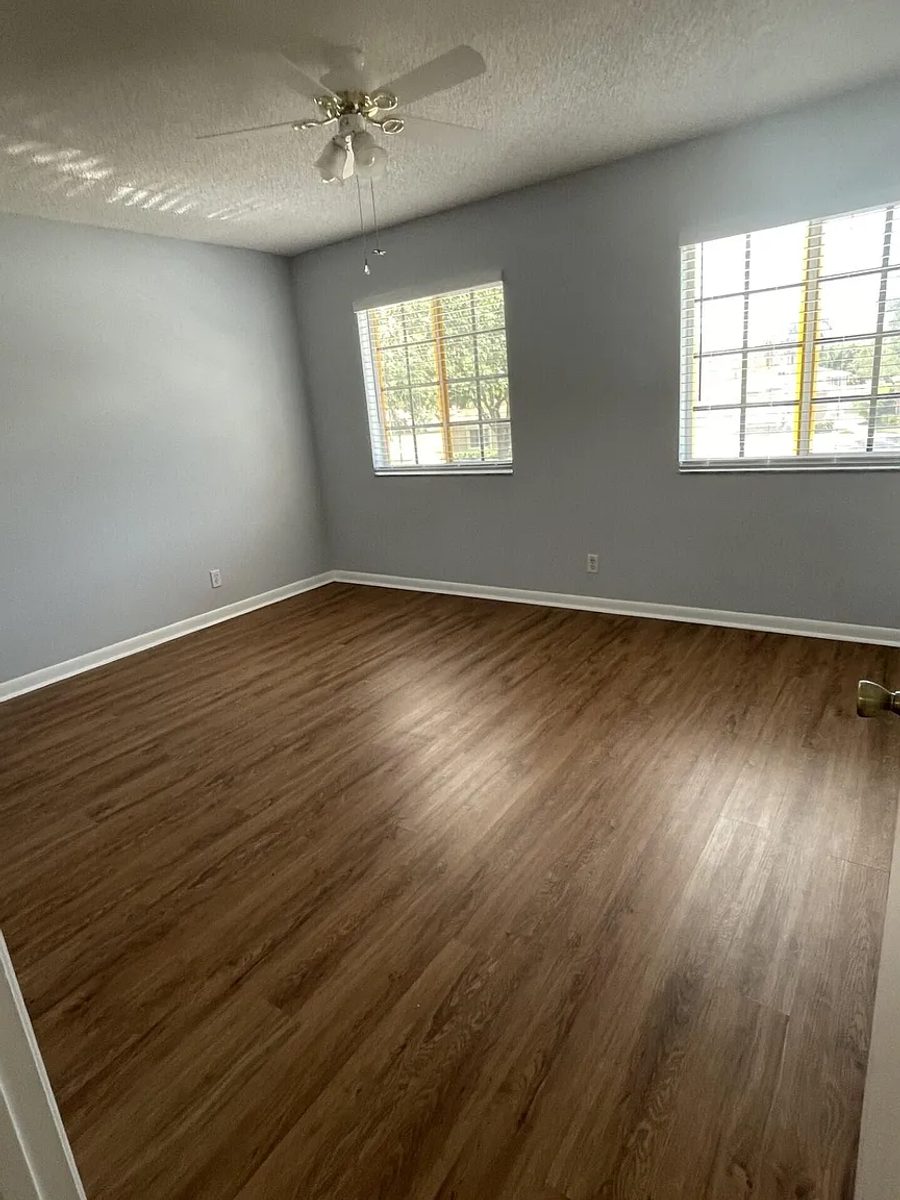
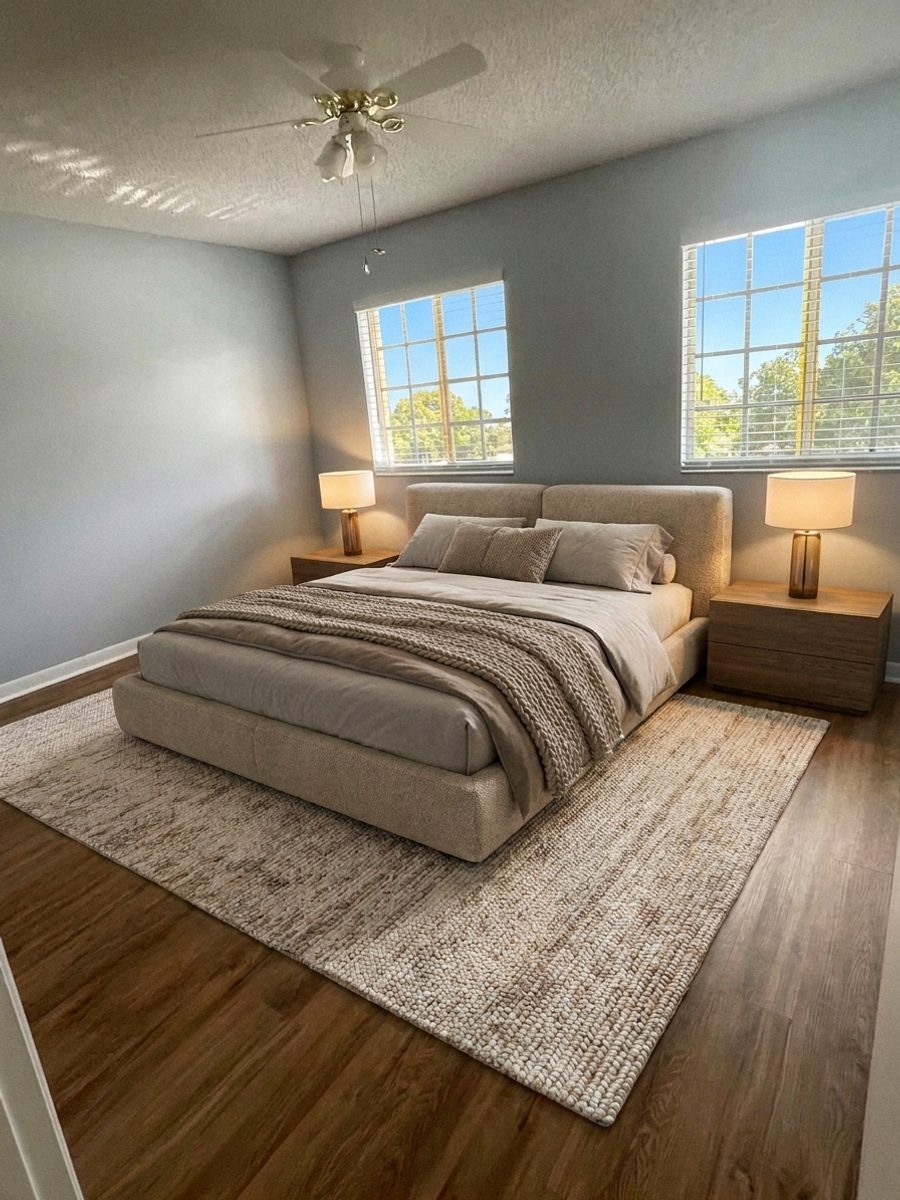 AI
AIEmpty → Staged
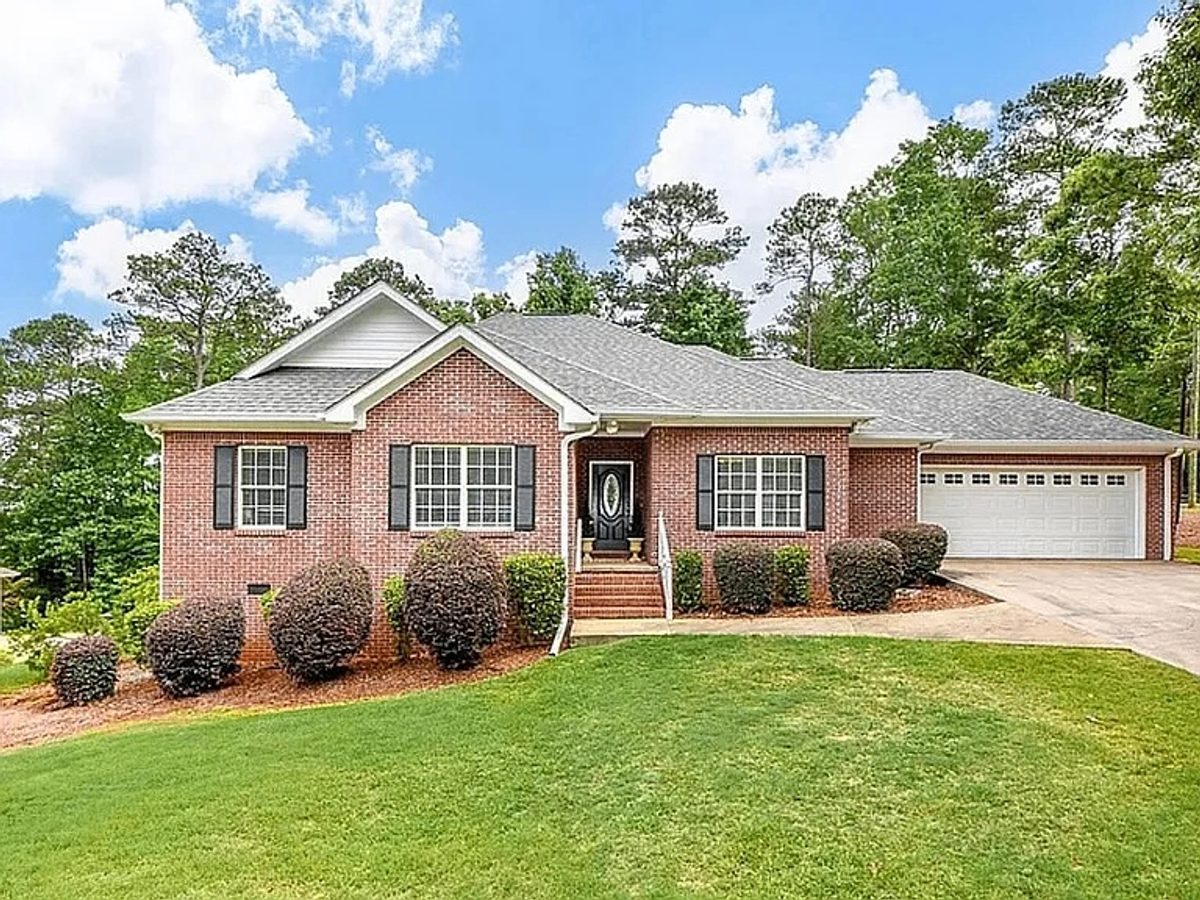
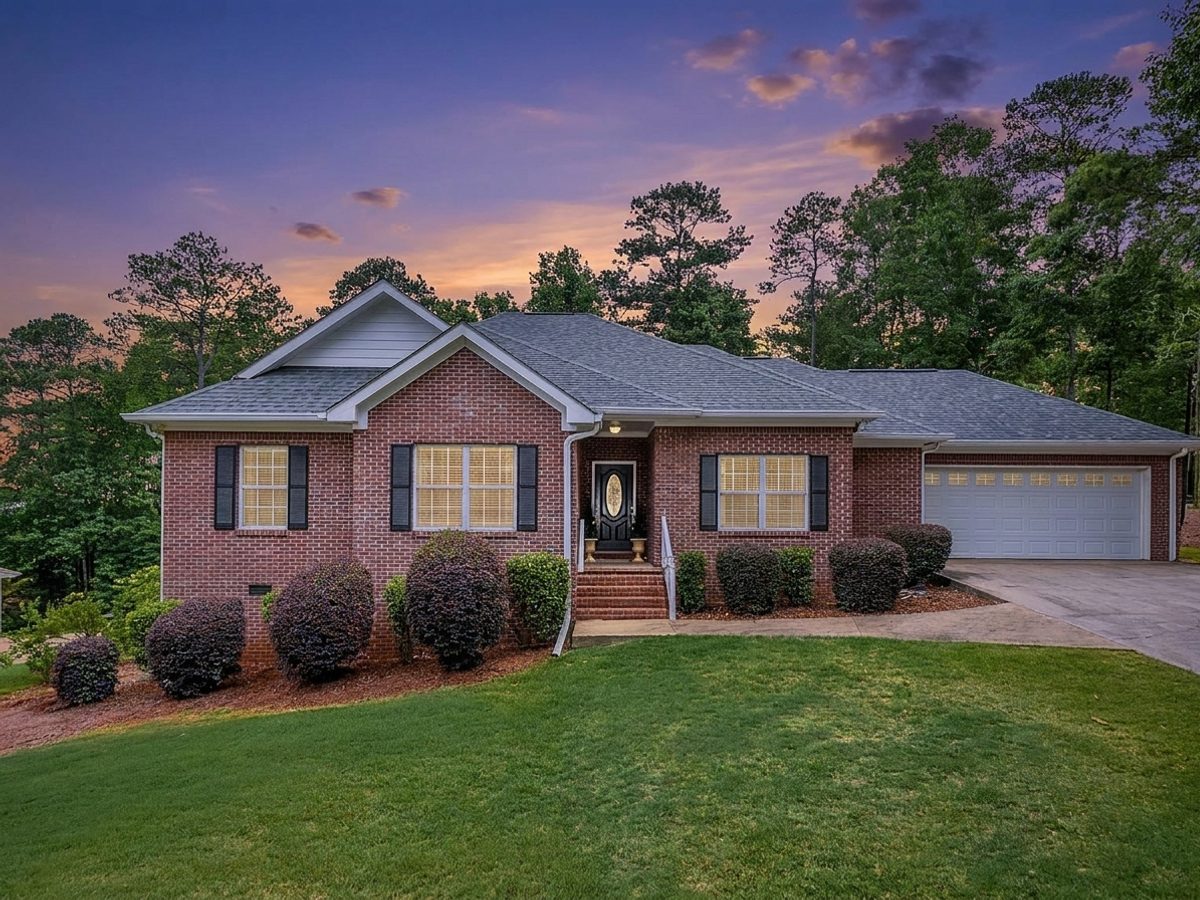 AI
AIDay → Dusk
 AI
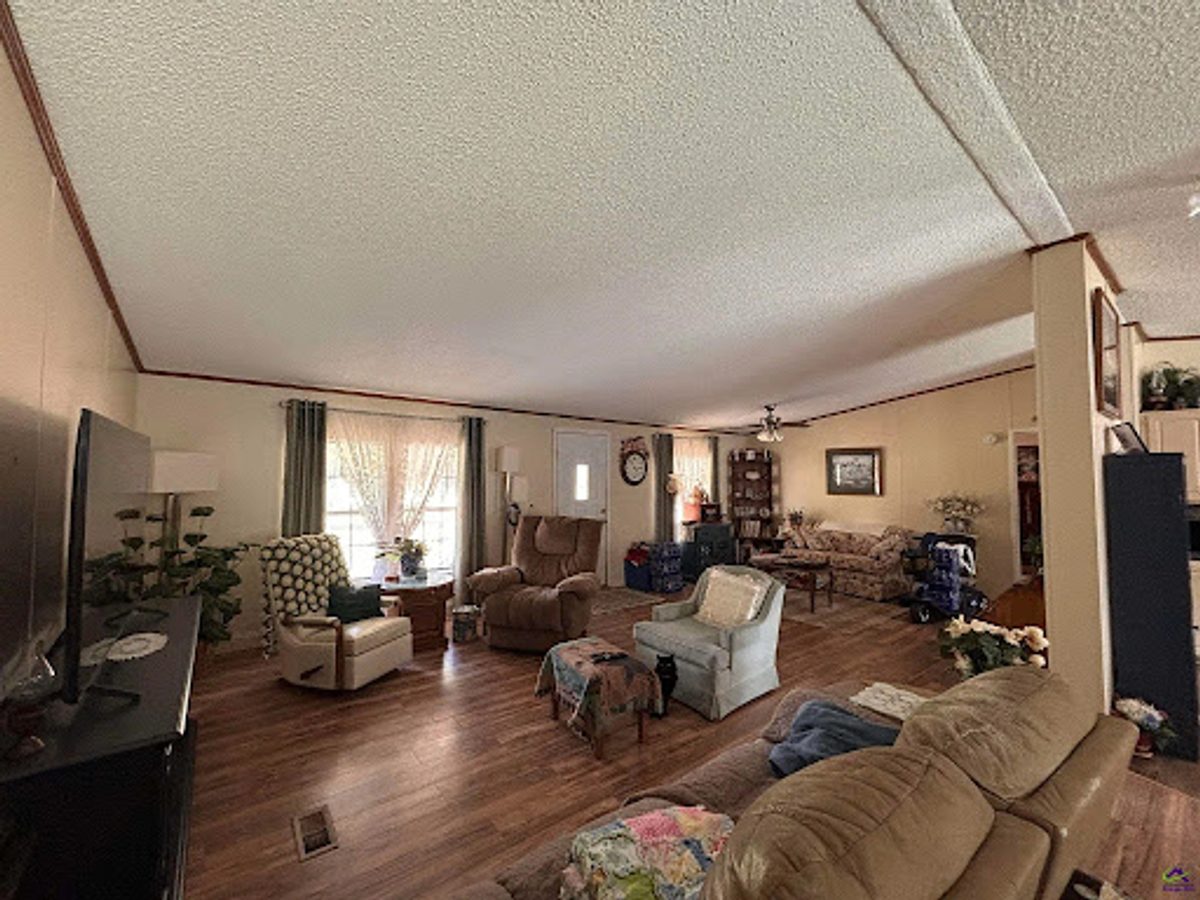
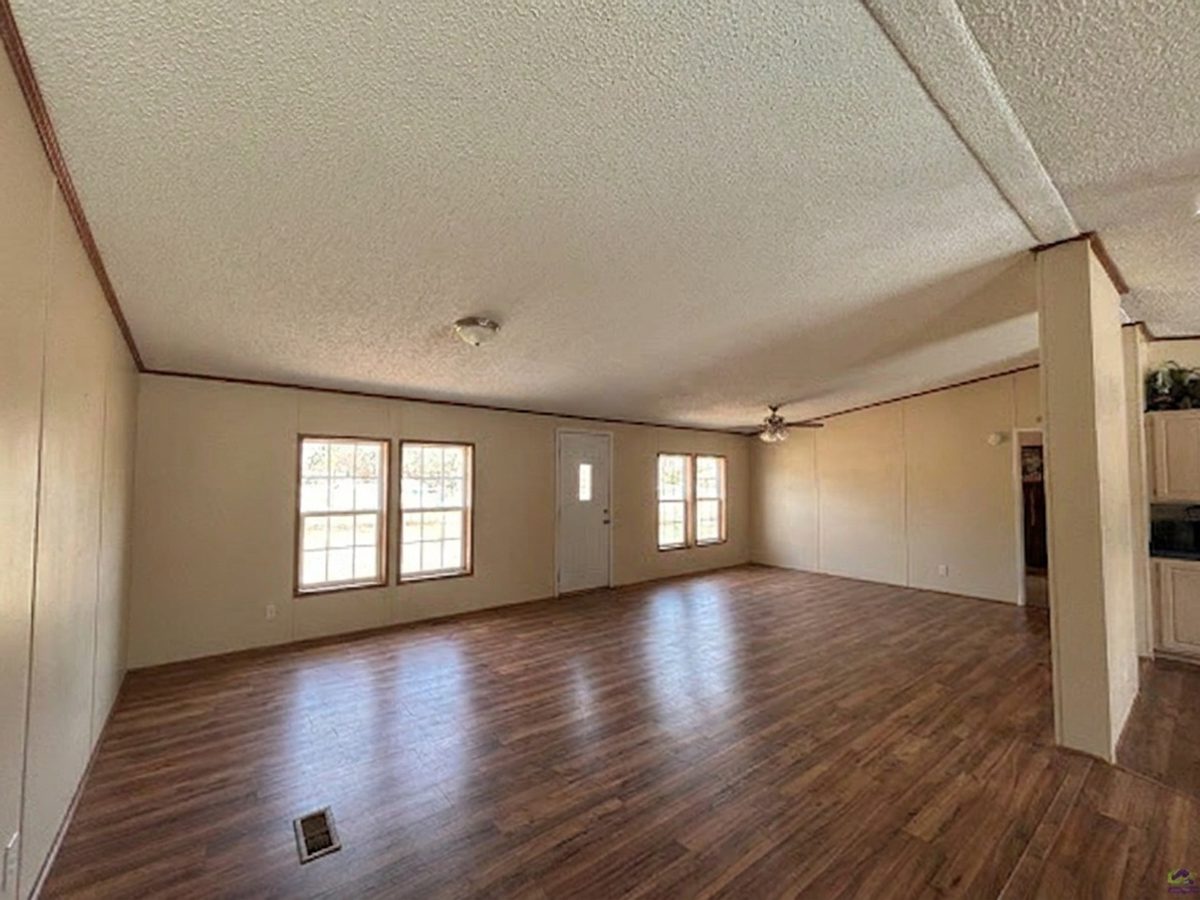
AICluttered → Clean
Sell real estate faster with Peach AI
Better listing photos measurably move homes.
73% faster
Sell properties sooner
Professionally staged listings can sell up to 73% faster than empty ones.
82% of agents
Buyers connect instantly
82% of buyers' agents say staging makes it easier for buyers to picture a home.
Up to 10%
Stronger offers
Enhanced, well-staged listings can command noticeably higher offers.
Industry figures from real-estate staging studies — results vary by market and are not a guarantee.
Built for how you sell
Whoever you list for, PeachStage makes the photos do the work.
Realtors
Stage vacant listings, brighten every room, and lead with a golden hour cover shot that stops the scroll on Zillow.
Start free →Airbnb hosts
Make every room look bright and tidy, refresh your photos each season, and fill more nights without a reshoot.
Start free →Designers and photographers
Show clients the finished vision in seconds, from new furniture to fresh paint, floors, and landscaping.
Start free →Limited welcome deal
Get 100 free credits, then 20% off with code PEACH20
17 tools, one balance
Everything a listing photo needs — all live, no waiting lists.
How it works
Professional results in three simple steps
Drop your photos here
or browse files
Upload your photo
Drag and drop any room or exterior — or try one of our example photos.
AI staging in progress…
Answer a few questions
We guide you one step at a time — tool, style, room, details. No guesswork.
Download & list
Compare before and after, then download in full resolution, ready to publish.
Real listings, real results
Actual Zillow photos, transformed. Tap Before / After — it plays by itself too.
Virtual Staging — empty bedroom, fully furnished
Loved by real estate pros
Agents, designers and hosts who list with confidence.
I've been searching for an AI tool that actually understands modern aesthetics, and PeachStage is it. The remodeling suggestions are incredibly intuitive, and it has cut my conceptualization time in half.

Sarah Jenkins
Interior Designer
PeachStage has completely changed how I market my listings. I used to spend a fortune on physical staging — now I generate photorealistic interiors for my vacant properties in a few clicks.

Marcus Thorne
Real Estate Agent
I was skeptical about AI design tools, but PeachStage surprised me. The image quality is stunning and it actually helps me visualize what a space could be. Affordable, fast, consistently professional.

Elena Rodriguez
Home Renovator
Keeping units looking rent-ready is a constant battle. PeachStage lets me stage units digitally and show prospective tenants exactly how a space can look furnished. It's helped me lease faster.

David Chen
Property Manager
As a student, I need tools that are powerful but don't cost a fortune. PeachStage helped me create high-quality visualizations without the steep learning curve of complex 3D software.

Jessica Wu
Architecture Student
I needed to update my office space but didn't have the budget for a decorator. PeachStage let me test layouts and styles, and gave me the confidence to actually move forward with a renovation.

Brian O'Malley
Small Business Owner
I've been searching for an AI tool that actually understands modern aesthetics, and PeachStage is it. The remodeling suggestions are incredibly intuitive, and it has cut my conceptualization time in half.
Sarah Jenkins
Interior Designer
PeachStage has completely changed how I market my listings. I used to spend a fortune on physical staging — now I generate photorealistic interiors for my vacant properties in a few clicks.
Marcus Thorne
Real Estate Agent
I was skeptical about AI design tools, but PeachStage surprised me. The image quality is stunning and it actually helps me visualize what a space could be. Affordable, fast, consistently professional.
Elena Rodriguez
Home Renovator
Keeping units looking rent-ready is a constant battle. PeachStage lets me stage units digitally and show prospective tenants exactly how a space can look furnished. It's helped me lease faster.
David Chen
Property Manager
As a student, I need tools that are powerful but don't cost a fortune. PeachStage helped me create high-quality visualizations without the steep learning curve of complex 3D software.
Jessica Wu
Architecture Student
I needed to update my office space but didn't have the budget for a decorator. PeachStage let me test layouts and styles, and gave me the confidence to actually move forward with a renovation.
Brian O'Malley
Small Business Owner
Your photos, ready for everywhere you list


Pennies per image
Start free. Go yearly and get 2 months free.
Questions?
We've got you covered.
Frequently asked
How many credits does an image cost?+
Every AI tool costs 75 credits — one flat price, so you always know what an image costs. The MLS disclosure stamp is 10 credits (free on paid plans). You get 100 free credits at signup, and 100 more for every friend you invite.
Can I use the results on Zillow or the MLS?+
Yes — virtually staged photos are widely used in listings. Most MLS rules require you to disclose that a photo is virtually staged and to show the original too, so keep the before photo handy. Never alter permanent features (walls, views, condition) in a misleading way.
Are my photos private?+
Yes. Uploads and results are stored in private, per-user storage — nobody else can see them, and we never use your photos to advertise without permission.
How long does a generation take?+
Usually 20–60 seconds. If a generation fails or times out, your credits are refunded automatically.
Will the AI change my room's architecture?+
No — every tool is instructed to preserve walls, windows, floors and perspective. Staging adds furniture that respects the room's real geometry; it doesn't invent a different room.
Your next listing deserves better photos
100 free credits. 16 tools. About 30 seconds to your first staged room.
Get started free