How to Declutter Listing Photos the Easy Way
July 14, 2026 · 4 min read
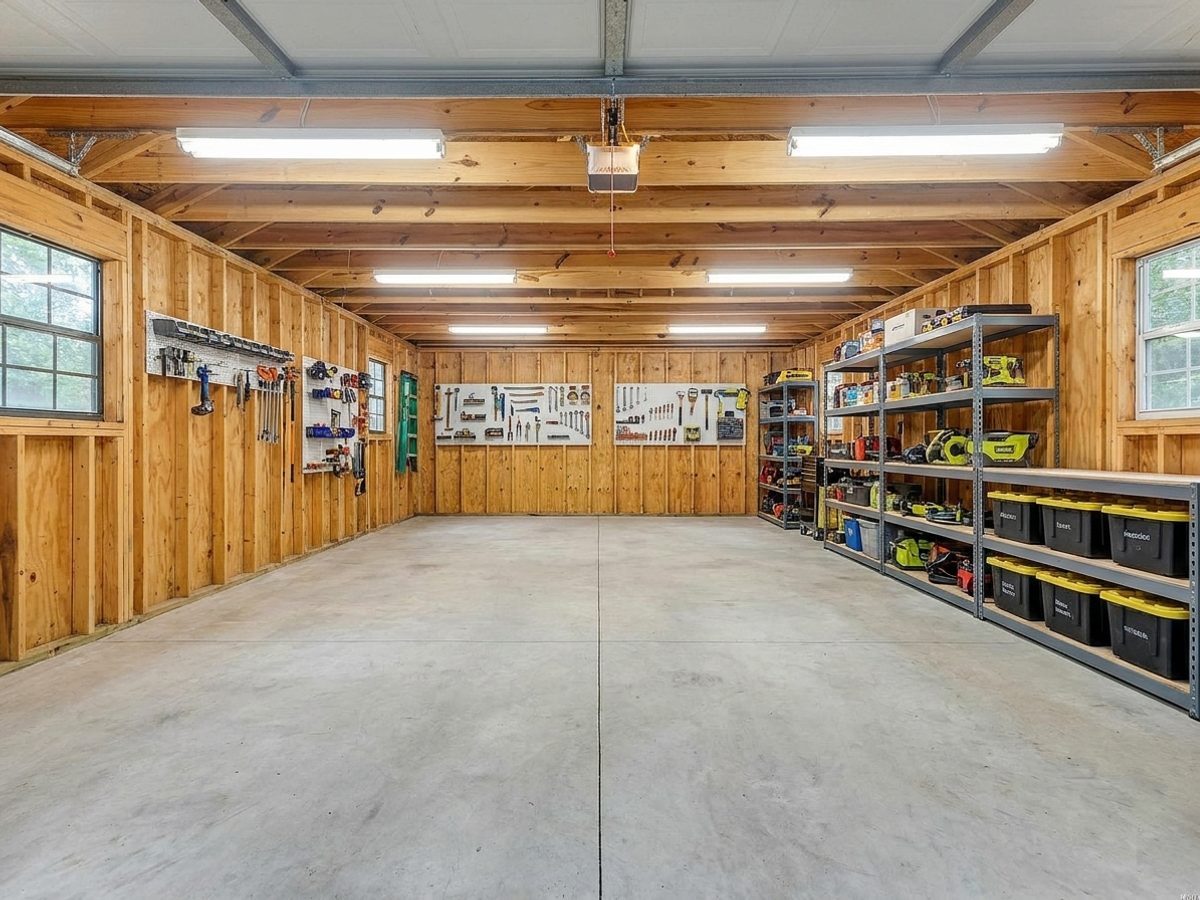
Buyers cannot see past clutter. A packed garage, a busy kitchen counter, or a room full of the current owner's furniture pulls attention away from the home itself. Clearing it in real life takes hours. Clearing it in a photo takes seconds.
The problem with a lived in room
When a buyer sees someone else's things everywhere, they see someone else's home. It is harder to imagine moving in. Personal photos, magnets, and piles of gear all send the same message, which is that the space is full.
Empty a whole room or remove one thing
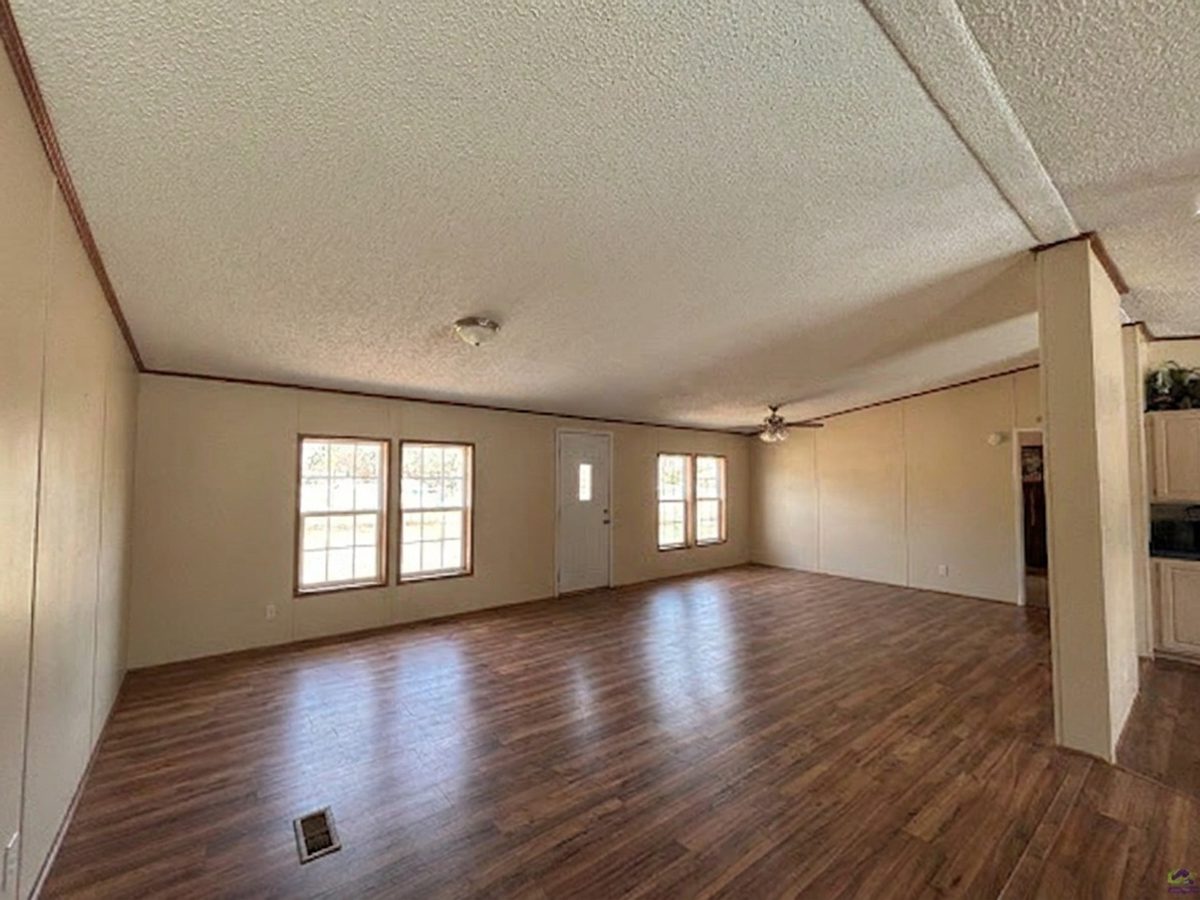
The Object Removal tool can clear an entire room down to bare walls and floors, which is perfect before you stage it fresh. It can also remove a single distraction, like a trash can or a parked car, and rebuild the area behind it so nothing looks edited.
Either way the room reads clean and calm, and calm is what sells.
A smart two step combo
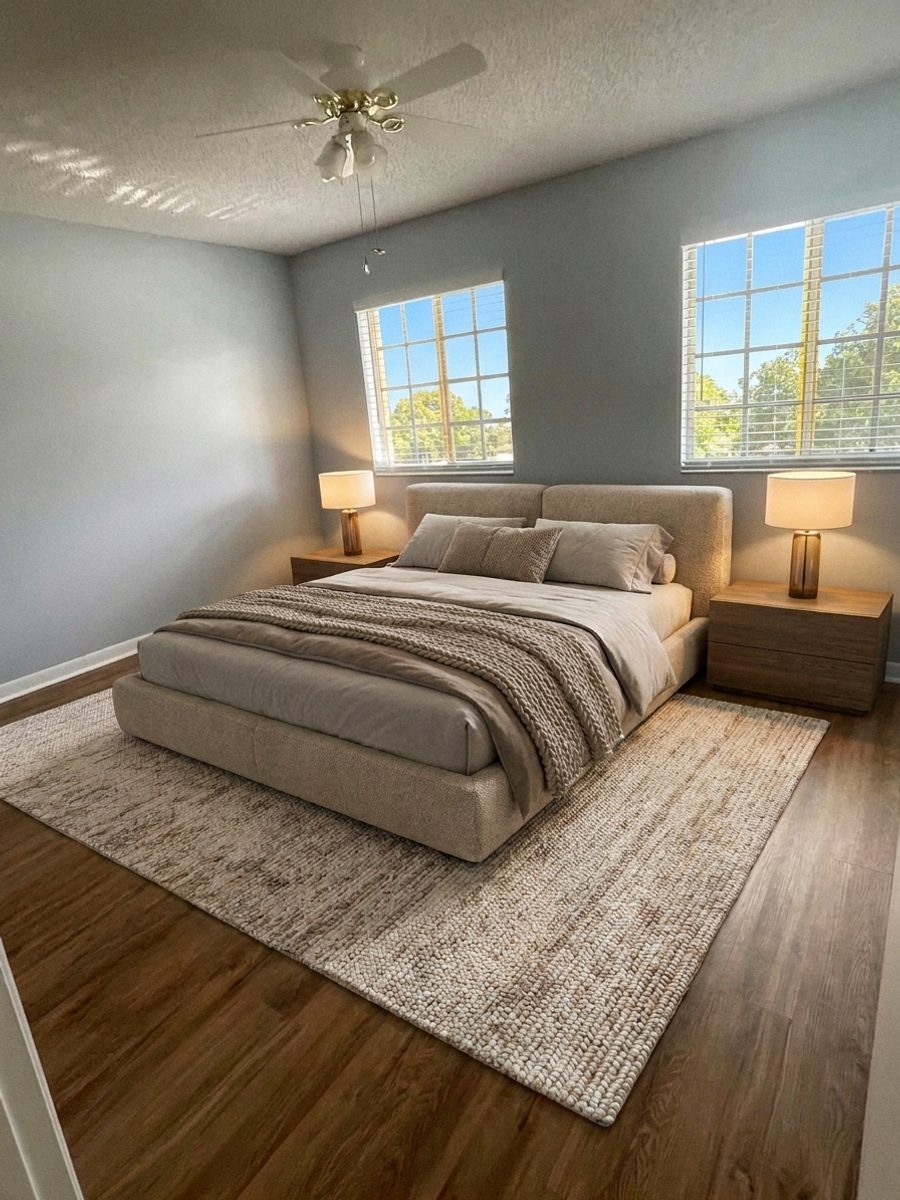
For a cluttered occupied home, remove the clutter first, then run Virtual Staging to place fresh, neutral furniture. In two quick steps you go from a busy personal space to a magazine ready listing photo.
Try it free today
Turn your next listing photo into a magazine cover
Create a free PeachStage account and get two hundred credits to start. Stage empty rooms, brighten dark photos, and add golden hour light in about thirty seconds.