
Pro lighting & HDR in one click
Photo Enhancement
Dim, yellow-tinted phone photos read as low-effort. Photo Enhancement applies professional HDR balancing, white-balance correction and detail sharpening in one click — nothing added, nothing removed.
Try it free✦ 25 credits per image
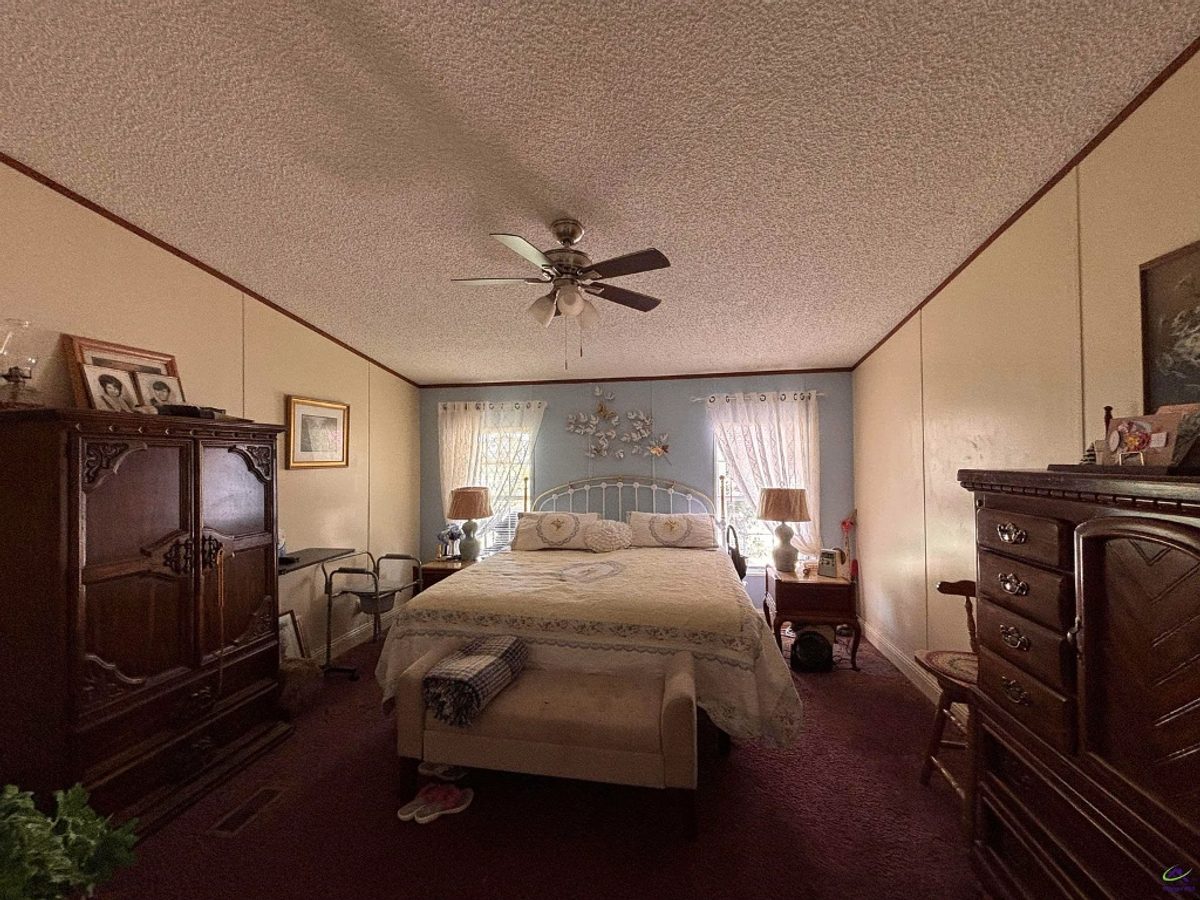
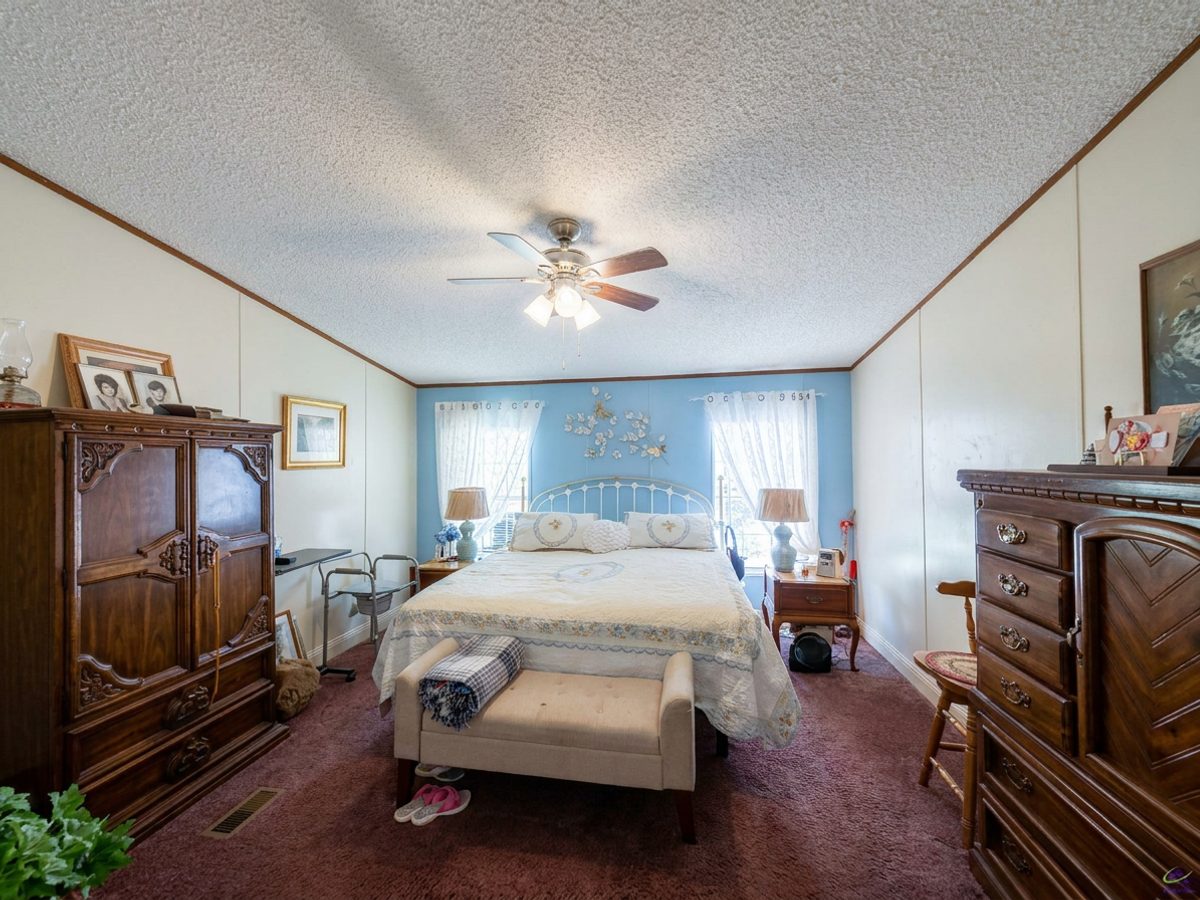
Photo Enhancement — natural light restored — real listing photo.
How Photo Enhancement works
01
Upload a photo
Drop in a room or exterior — or use our example.
02
Answer a few questions
We guide you one step at a time — style, room, details.
03
Download the result
Compare before & after, then save it in full resolution.
Try Photo Enhancement free
Set it up now. Create a free account when you're ready to generate.
Photo EnhancementStep 1 / 3
Upload your photo
Drop a photo here, or click to browse
JPG or PNG · well-lit, straight-on shots work best
More real examples
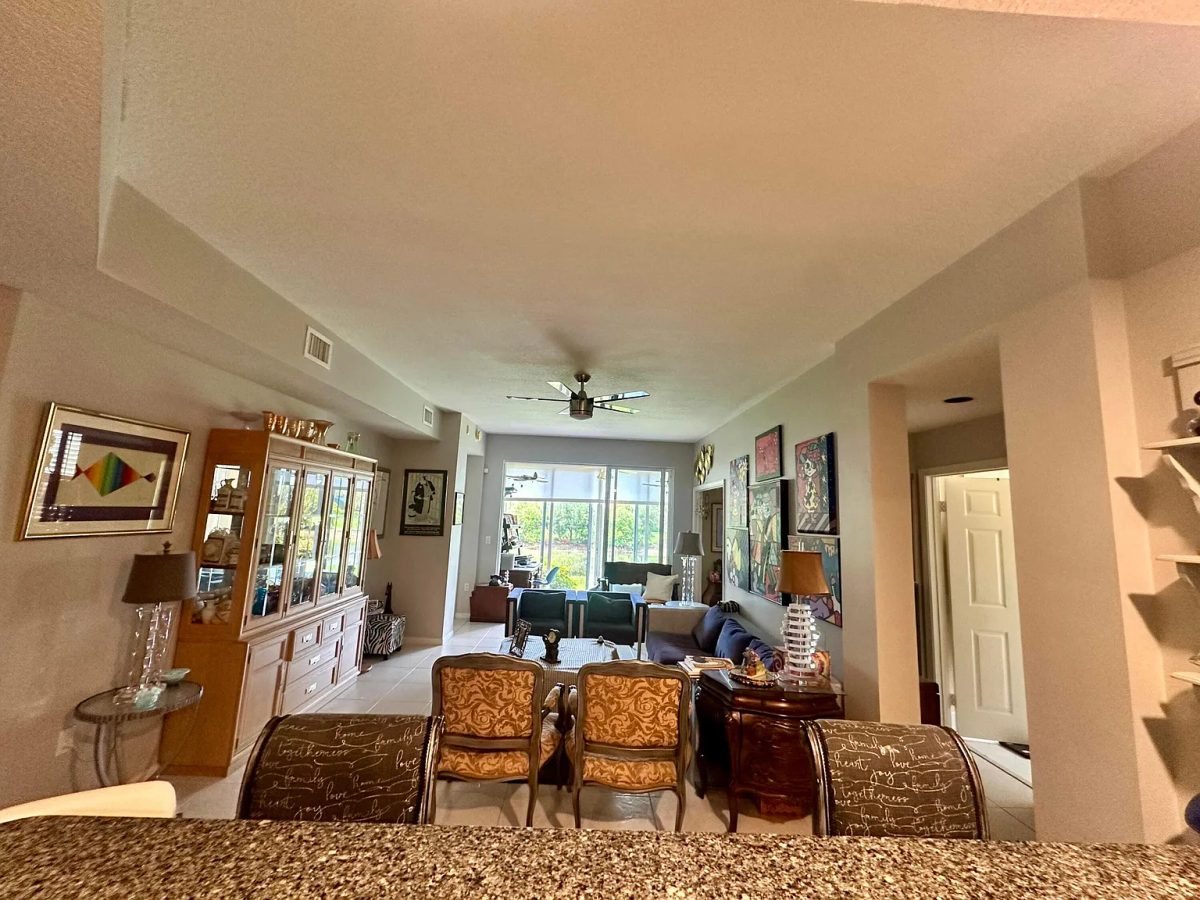
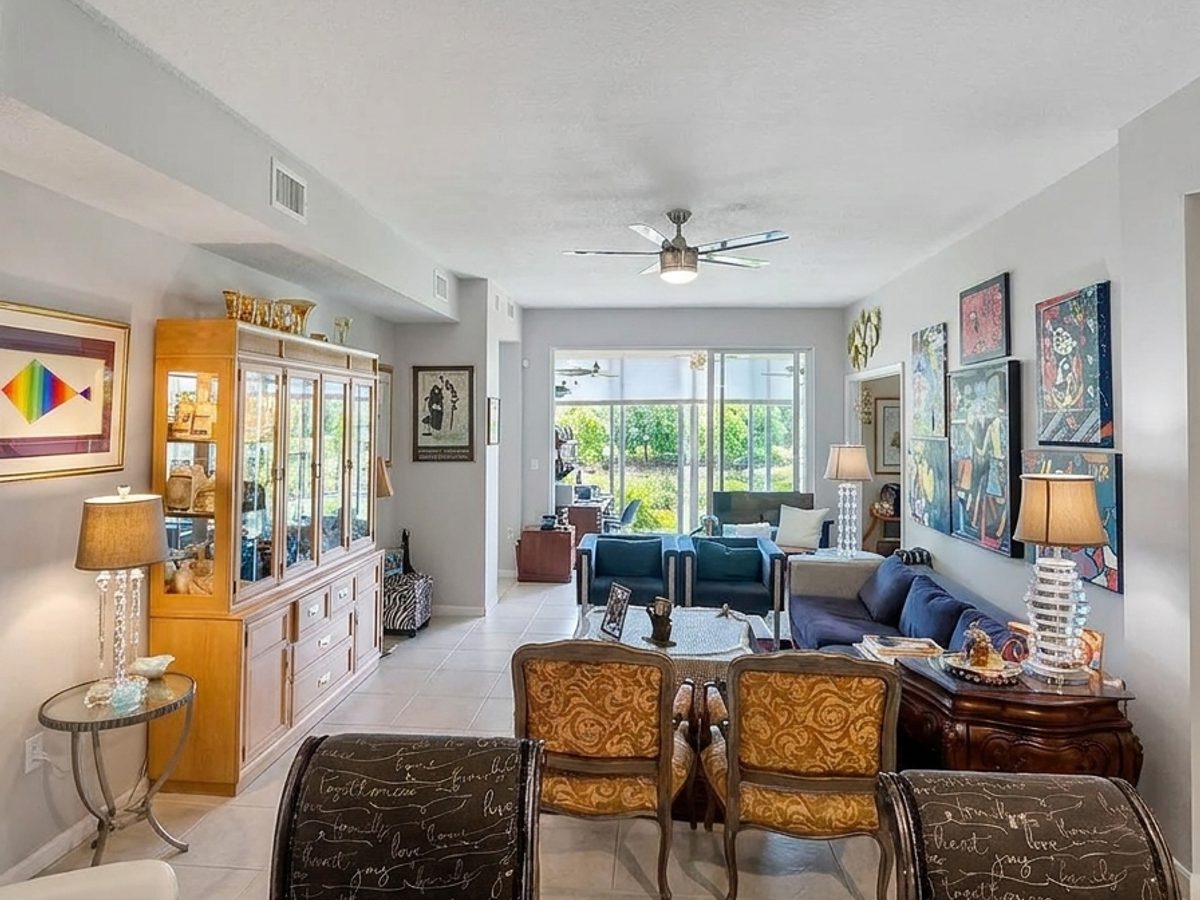
Photo Enhancement — dim living room, brightened
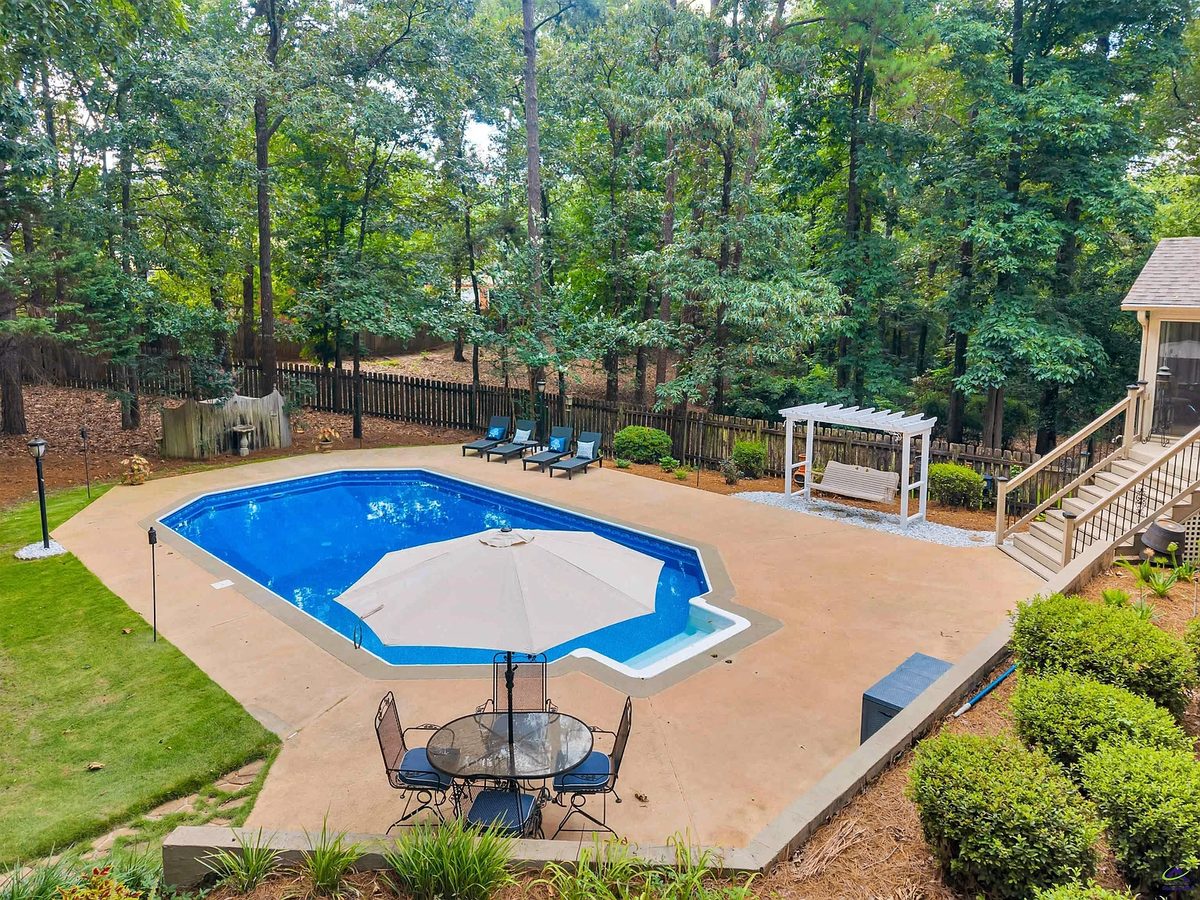
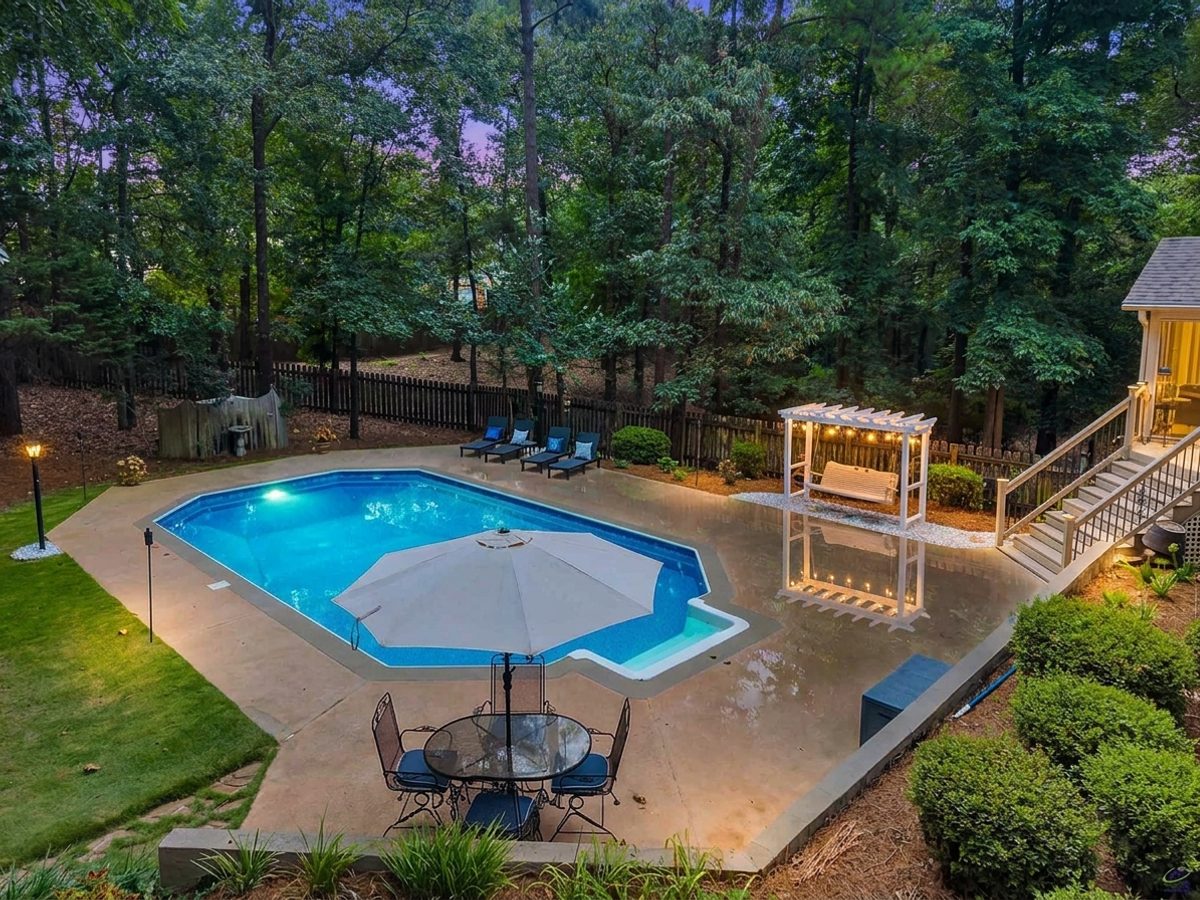
Photo Enhancement — backyard brought to life